
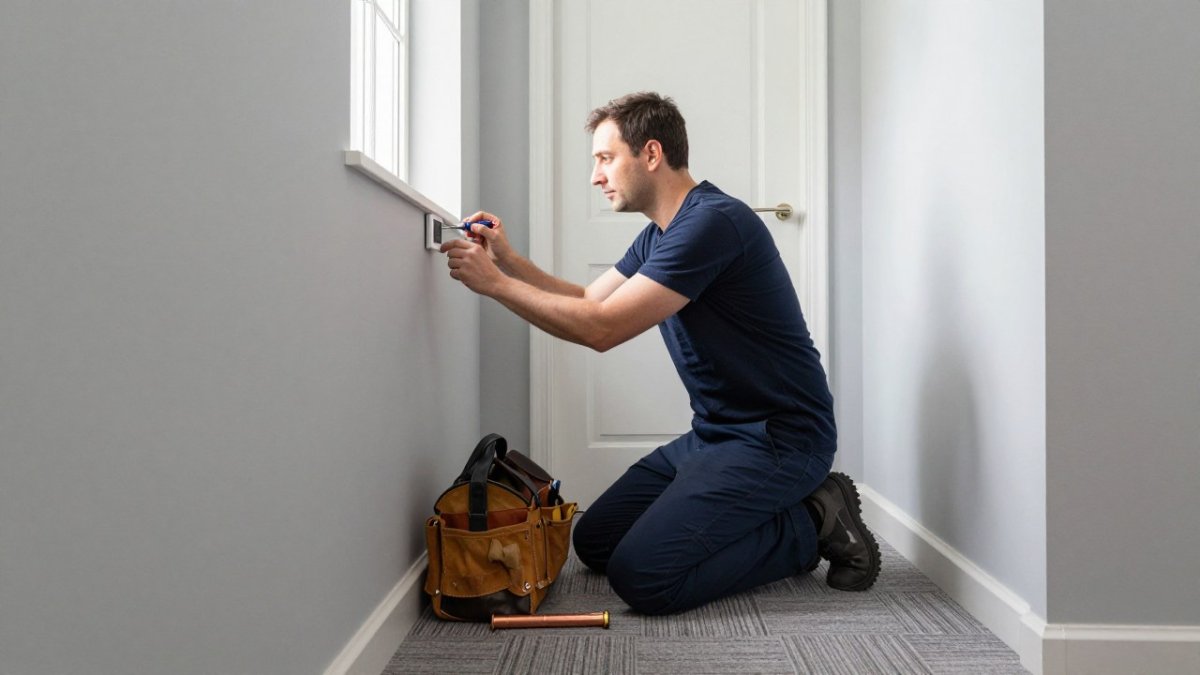
Quick Summary
To program a smart thermostat for winter, set a daytime temperature of around 18 to 20°C when people are home, a night-time setting of 15 to 17°C, and a lower away setting with frost protection. Build separate weekday and weekend schedules, and switch the heating on 30 to 60 minutes before you need the house warm.
- Set daytime heating around 18 to 20°C when people are home and active.
- Use 15 to 17°C overnight, which is cool enough for good sleep.
- Enable frost protection, usually around 5°C, rather than switching heating off when away.
- Start the heating 30 to 60 minutes early; heat pumps and underfloor heating need longer.
- Run a new programme for a full week before adjusting it.
Table of Contents
- Why Winter Thermostat Programming Matters for Your Bills
- Best Thermostat Temperature for Winter: Daytime, Night and Away Settings
- Step-by-Step: Setting Up Your Smart Thermostat for Winter
- Smart Thermostat Schedule Examples for UK Household Routines
- Thermostat Settings When Away in Winter, Including Frost Protection
- Using Smart Thermostat Eco Mode and Learning Features Without Losing Comfort
- Booking Your Heating Check Before the Cold Sets In
- Frequently Asked Questions
Winter Thermostat Setup: A Step-by-Step Guide for UK Homes
Last Updated: November 12, 2026
Why Winter Thermostat Programming Matters for Your Bills
Knowing how to program your smart thermostat for winter can cut your heating bills without making your home feel colder.
The research points the same way. According to CPS energy efficiency and cost savings demonstration, 2026, users can save up to 10 per cent or more on heating costs by programming a smart thermostat effectively.
That saving does not come from turning the heating off. It comes from heating the home when people are in it and letting it cool when they are not.
- Heating only when you need it
- Less wasted energy overnight and during the working day
- Lower running costs without manual changes every week
Best Thermostat Temperature for Winter: Daytime, Night and Away Settings
There is no single perfect temperature, but a clear starting point helps.
Comfort matters too. Someone who is ill, elderly or very young may need warmer conditions, so set the thermostat to suit the people living in the home.
Daytime (occupied): 18 to 20°C, when people are home and active.
Night-time (sleeping): 15 to 17°C, which is cool enough for good sleep under a duvet.
Away (empty): A lower setting that keeps pipes and the property safe. Watch out: setting the heating too low for too long can make it work harder to recover, which can cancel out the saving.
Step-by-Step: Setting Up Your Smart Thermostat for Winter
Most smart thermostats follow the same basic setup, whatever the brand. The gap in most guides is that they stop at ‘connect the app and set a schedule’. This walkthrough covers the full process, from wiring checks to a working winter programme, so you can set up any common model without guessing.
1. Check compatibility and wiring before you touch the app
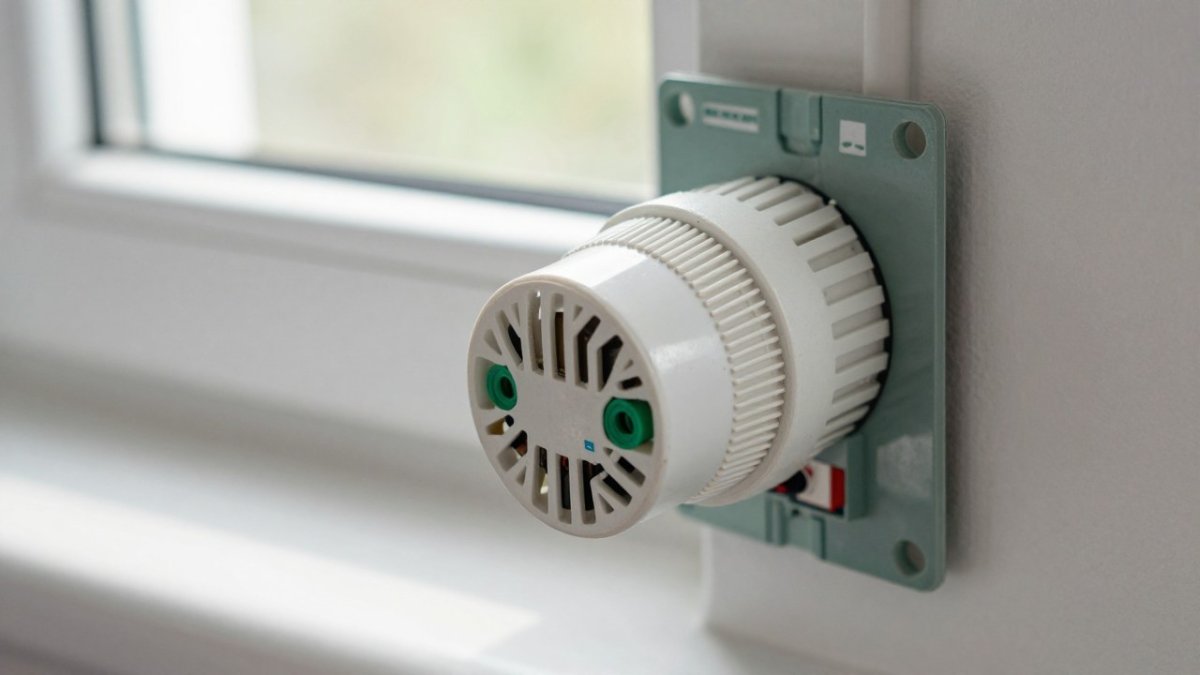
Confirm that your thermostat is compatible with your boiler and controls. Combi boilers, system boilers, heat pumps and underfloor heating all behave differently, and a thermostat designed for a conventional boiler may not switch a heat pump correctly. If you are unsure, ask a Gas Safe registered engineer to confirm the wiring and control type before you start.
2. Connect to Wi-Fi and the manufacturer’s app
Join the thermostat to your home Wi-Fi on the 2.4 GHz band if your model requires it, then pair it with the manufacturer’s app. If it still won’t connect or pair, check common installation faults and how to fix them. Set the correct time zone and daylight-saving preference, because an incorrect time zone is one of the most common reasons a schedule appears not to run.
3. Choose your control mode
Most thermostats offer a fixed timetable, a learning mode that builds a schedule from your habits, or a geofencing setting that uses your phone’s location. Pick one to start with rather than layering all three, because overlapping modes are the usual cause of unexpected heating.
- Fixed schedule: Best if your routine is predictable.
- Learning mode: Best if your routine changes week to week.
- Geofencing: Best for busy households that come and go often.
4. Set the system type and heating zones
Tell the thermostat what it is controlling: a combi boiler, a system boiler with a hot-water cylinder, a heat pump, or underfloor heating. If you have zones or smart radiator valves, assign each room to a zone and decide which rooms are heated and which are set back. Zoning is where most of the winter saving is won or lost.
5. Build the winter programme
Create a weekday programme and a weekend programme, then add any exception days. A typical starting pattern is a morning comfort period, a daytime setback while the home is empty, an evening comfort period and a night setback. Set the switch-on time 30 to 60 minutes before you need the house warm, and allow longer for heat pumps and underfloor heating, which respond slowly.
6. Set frost protection and safe minimums
Enable the frost-protection setting, usually around 5°C, and set a safe minimum for the home. Do not switch the heating off completely when away, because frost protection protects pipes and the property.
7. Run it for a week, then adjust
Run the programme for a full week before changing it. If the house feels cold on arrival, start the heating earlier rather than raising the temperature. If it overheats or runs when no one is home, shorten the comfort window. Small, measured changes usually beat large setbacks.
Watch out: If your schedule does not run as expected, check the time zone, confirm the schedule is not overridden by a manual boost or holiday mode, and check that the thermostat still has a Wi-Fi connection.
The table below summarises the setup steps so you can work through them in order.
| Step | What to do | Time or frequency |
|---|---|---|
| 1. Check compatibility | Confirm the thermostat suits your boiler or heat pump | Before using the app |
| 2. Connect | Join Wi-Fi and pair the app; check time zone | During setup |
| 3. Choose control mode | Pick fixed schedule, learning or geofencing | One mode to start |
| 4. Set system and zones | Name the system type and assign room zones | During setup |
| 5. Build programme | Create weekday, weekend and exception schedules | Switch on 30 to 60 minutes early |
| 6. Set frost protection | Enable frost mode around 5°C | Always on when away |
| 7. Test and adjust | Run the programme and change it gradually | One full week |
Smart Thermostat Schedule Examples for UK Household Routines
Every household runs on a different rhythm, so one schedule rarely fits everyone. The examples below cover the routines most common in UK homes, including shift work, the school run and working from home. Treat them as starting points, then adjust after a week.
Working couple, no children at home
- Weekdays: comfort period 06:30 to 08:00, setback during the working day, comfort period 17:30 to 22:30, night setback from 22:30.
- Weekends: comfort period 08:00 to 22:30, night setback from 22:30.
Family with school-age children
- Weekdays: comfort period 06:30 to 08:30 for the school run, setback during the day, comfort period 15:30 to 22:00 for homework and dinner, night setback from 22:00.
- Weekends: comfort period 07:30 to 22:00.
Retired or working from home
- Daily: comfort period 07:30 to 22:30 with a lower night setting. If you work from home, keep one room at comfort temperature during the day and set the rest of the house back, using zones or smart radiator valves where you have them.
Shift workers
- Use the thermostat’s exception days or copy-day feature rather than trying to force a single weekly pattern. Set comfort periods around each shift block, and keep the night setback for sleep periods even if they fall during the day.
Homes with a heat pump or underfloor heating
- Avoid large, frequent setbacks. These systems respond slowly, so a long setback can mean the house is still catching up when you need it warm. Use gentler setbacks and longer lead-in times, and ask your installer for the manufacturer’s recommended schedule.
Homes with vulnerable occupants
- Older people, infants and people with health conditions may need a warmer minimum. Set a safe minimum temperature and avoid deep setbacks in rooms they use, and check the safe minimum with your heating engineer.
Our recommendation is to start with the pattern that matches you most closely, then tweak it for a week. Small changes usually matter more than big ones.
Thermostat Settings When Away in Winter, Including Frost Protection
Going away for a few days or a week needs a different approach. The aim is to keep the property safe, not warm.
Set the thermostat to a frost-protection level, which keeps the home above freezing and protects pipes. Many smart thermostats have a dedicated away or frost mode. Use it instead of switching the heating off completely.
Watch out: if you have older or vulnerable occupants, do not set the home to a level that is too cold. Check the safe minimum with your heating engineer before you leave.
Using Smart Thermostat Eco Mode and Learning Features Without Losing Comfort
Eco mode and learning features can cut energy use further, but only if you check that the house still feels right.
Give the learning features at least a week or two to settle. Then review the schedule and confirm the home is warm when you need it. Comfort should come first, and savings follow.
Be honest about the trade-off. Very aggressive setbacks can make your boiler work harder when it switches back on, which reduces the benefit. Keep the changes moderate and track how the house feels.
Booking Your Heating Check Before the Cold Sets In
A correctly programmed thermostat only works well if the heating system underneath it is in good condition. A pre-winter check catches small faults before they turn into cold nights.
Gas Safe registered engineers can check your boiler and controls, and advise on the right settings for your home. Gas Safe Register, UK official guidance on choosing a registered engineer
If you want a professional to set up or check your heating controls, book a Gas Safe engineer through our heating systems service. For a full check of your boiler’s safety and efficiency, arrange a boiler servicing appointment before the colder months arrive.
Winter bills rise fast, and a poorly set thermostat is one of the easiest things to fix.
Frequently Asked Questions
What temperature should I set my thermostat to in winter?
Most UK households find 18 to 20°C comfortable during the day when people are at home, and 15 to 17°C overnight under a warm duvet. Setting the thermostat one or two degrees lower than you are used to can cut heating use noticeably without a real loss of comfort. Using a schedule so the heating only runs when the home is occupied helps you avoid heating empty rooms. If you have underfloor heating or a heat pump, these systems work best at steady temperatures, so avoid large swings and make small adjustments instead.
Should I turn the heating down at night in winter?
Lowering the temperature overnight is usually sensible, as most people sleep comfortably at around 15 to 17°C. The key is to avoid setting the temperature back so far that the boiler has to work very hard to recover in the morning, which can reduce any savings. A modest, gradual reduction usually works better than a dramatic one. Smart thermostats with learning features can adjust the timing for you, so the house warms up just before you wake.
How do I programme a smart thermostat for winter?
Start by connecting the thermostat to your Wi-Fi and your boiler, then open the mobile app or the device menu. Set a daytime temperature for when you are home, a night-time temperature for sleeping, and an away setting for when the house is empty. Enter your weekday and weekend routines separately, as wake-up and departure times often differ. Check the schedule after the first few days and adjust any times that do not match your habits. If the schedule does not run as expected, confirm the clock and time zone are correct, then check any overriding manual changes.
Can a smart thermostat help reduce heating costs?
A smart thermostat can help you use less heating by running it only when needed, and programming a device carefully can reduce the time heating runs unnecessarily. Savings depend on your home, your boiler and how you use the schedule, so results will vary. Features such as geofencing and occupancy sensing can further reduce heating while you are out. Major Heat can check your boiler and controls before winter to help make sure the system is working efficiently; contact the team for current service pricing and a free quote.
